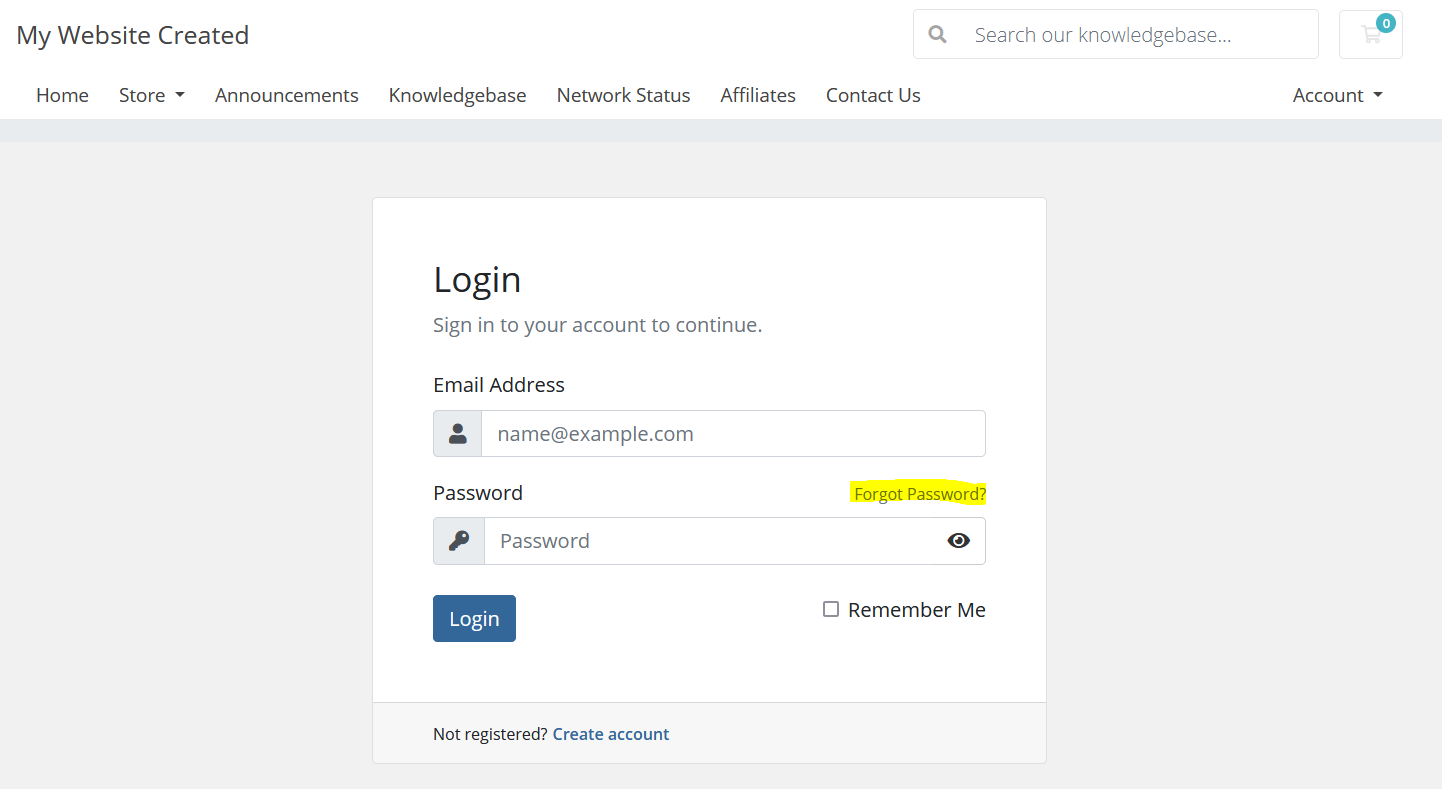
1) To reset your password, navigate to the login screen:
2) Click on the Forgot Password? link
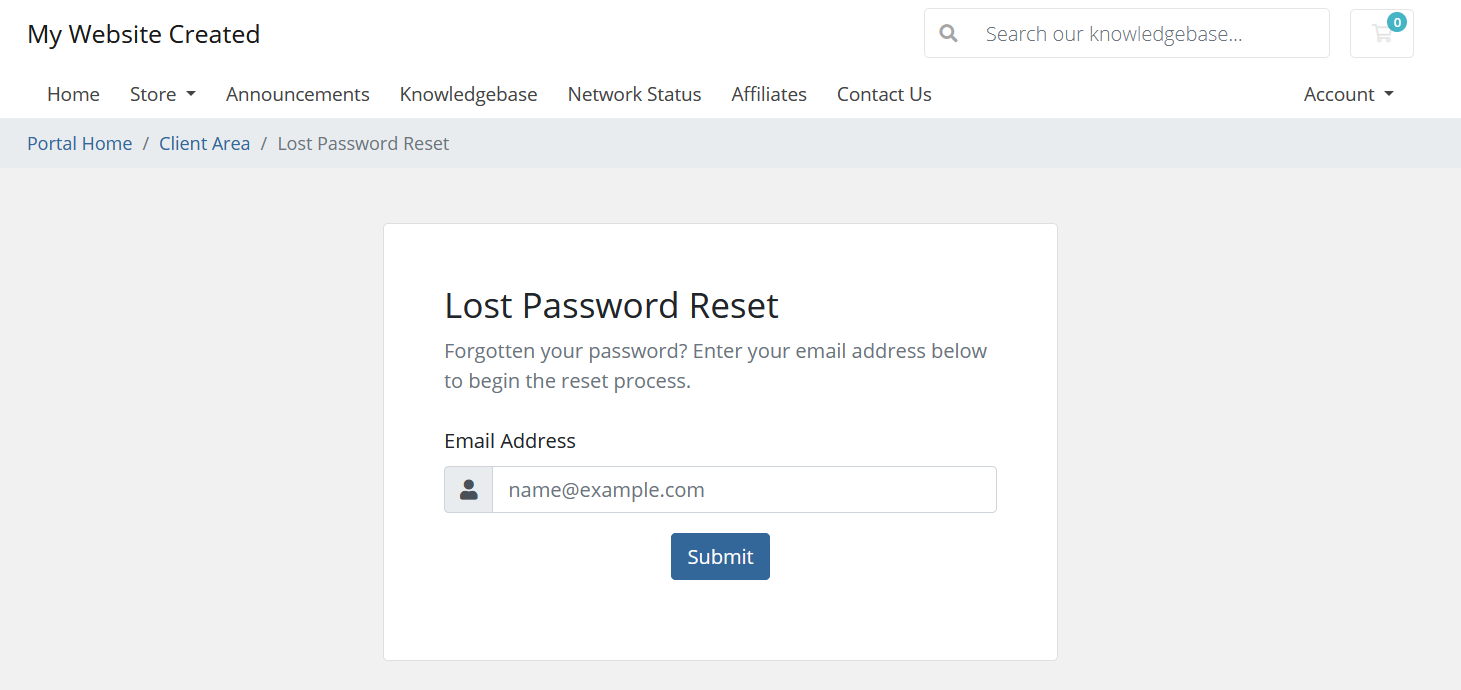
3) Enter your Account's email address
Enter the email address associated with your All-Inclusive Website Package to begin the reset process
4) Reset your password via the Password Reset email
An email will be sent to the email address entered containing a password link, reset your password by following the link contained in the email